Rectangle that feels native
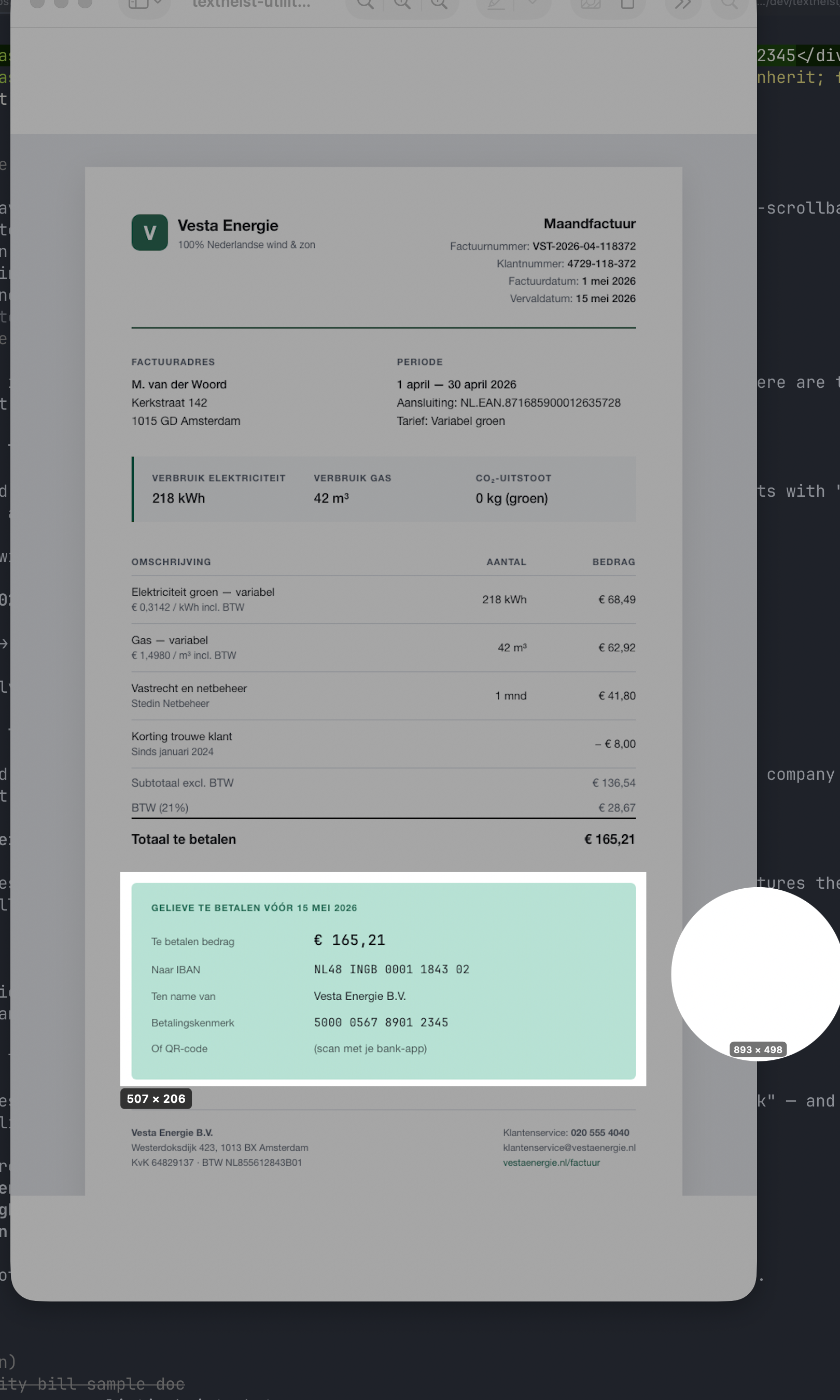
Optional magnifier, dimension labels, the whole Apple screenshot experience.
Press a hotkey. Draw a rectangle. Walk away with the text.
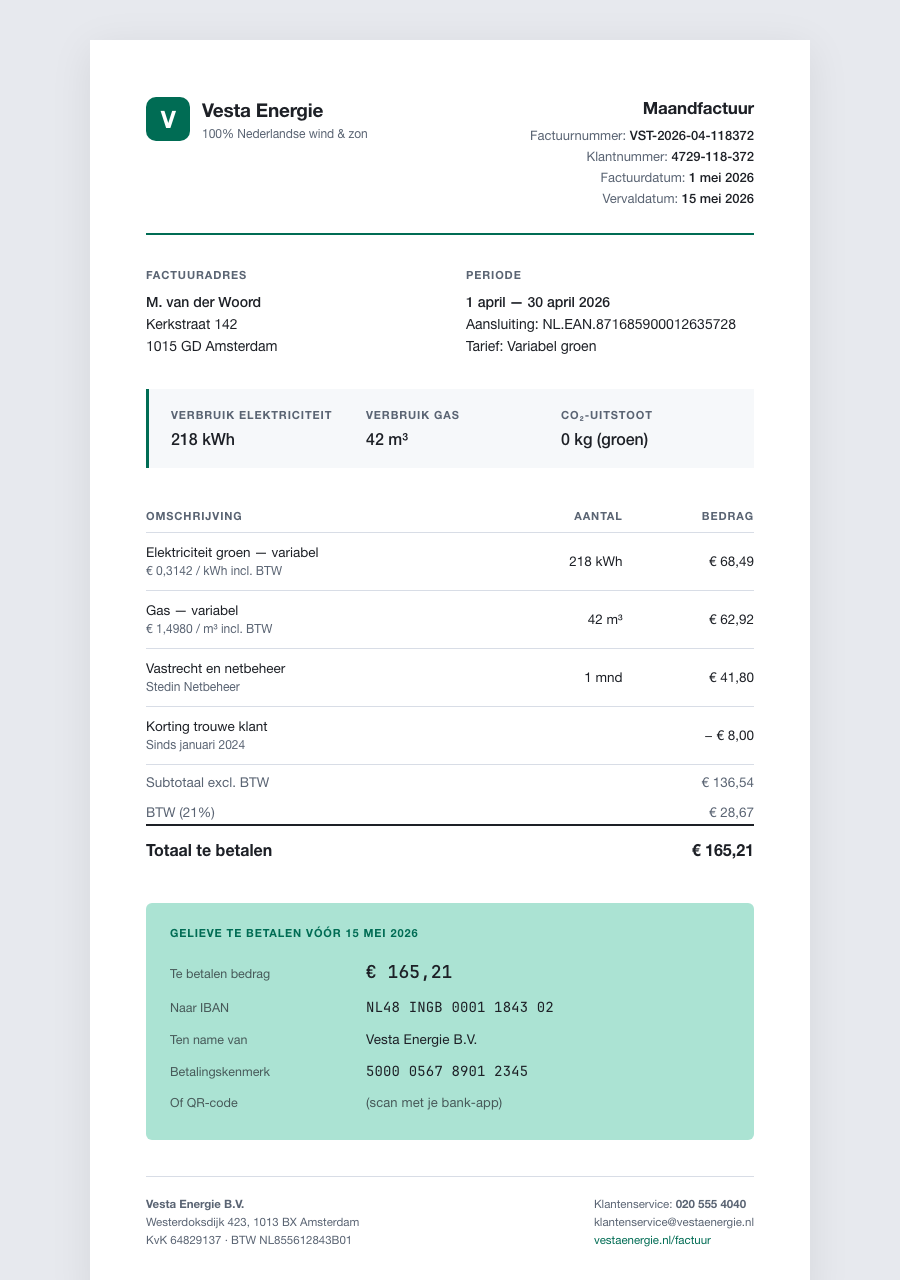
The macOS tool that copies text from places that refuse to be copied — PDFs that won't cooperate, screenshots full of text you can't highlight, videos and Zoom calls where copy-paste simply isn't on the menu.
⌘⇧2 (change it anytime).
The same crosshair and magnifier loupe you already know.
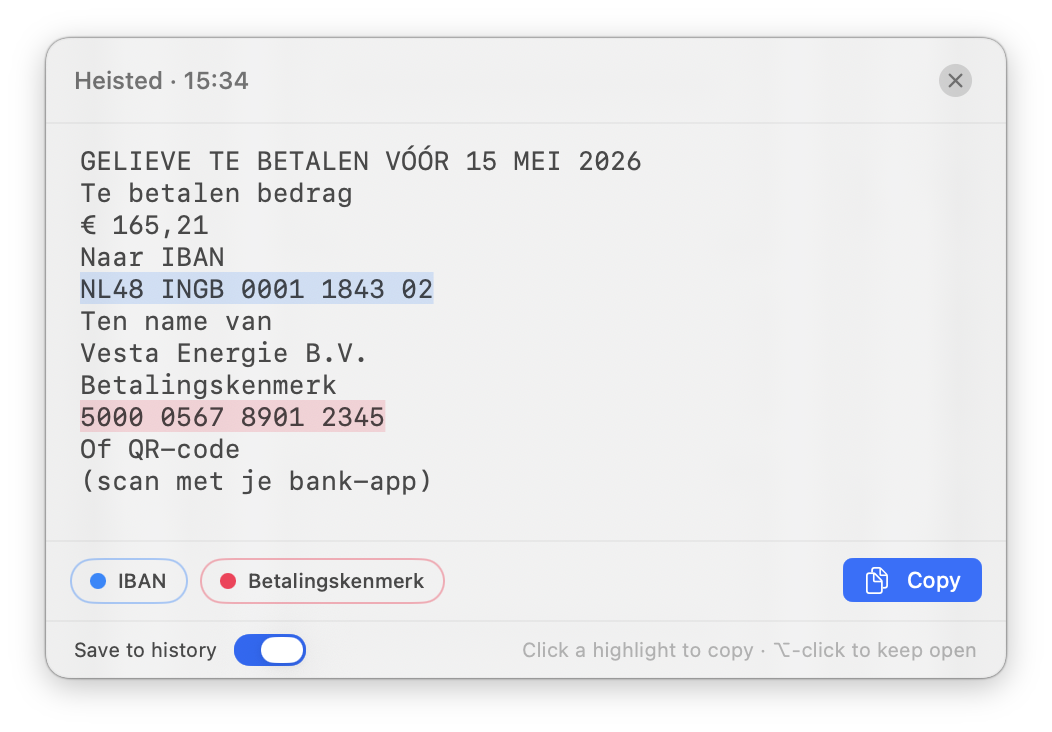
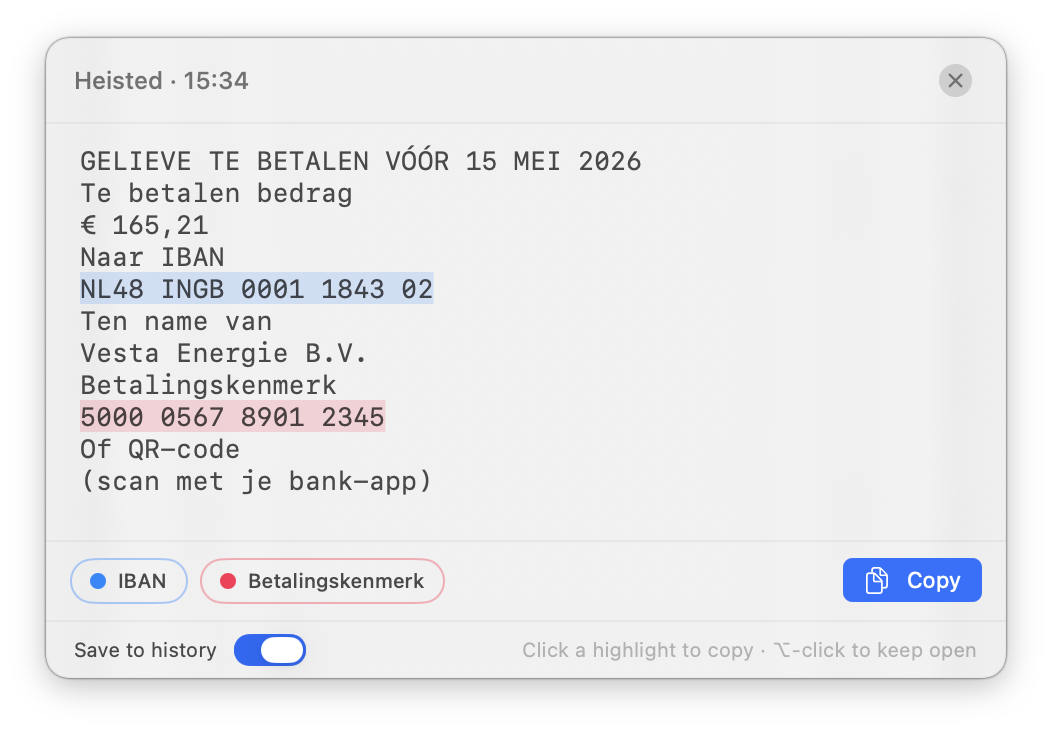
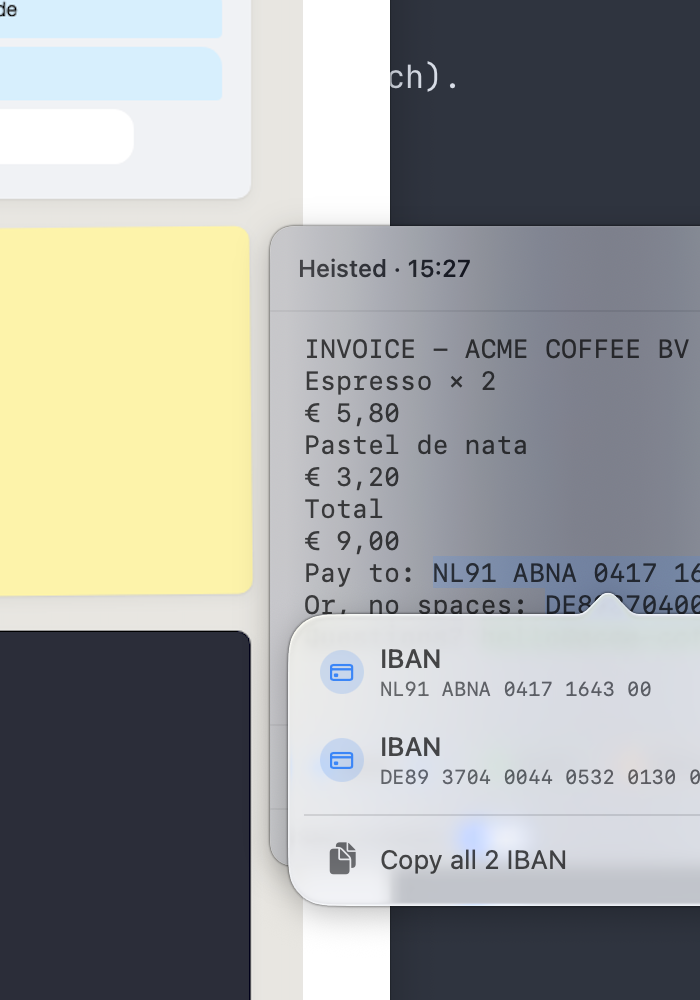
Monospaced, instantly editable, with one-click extractors and smart highlights.
Optional magnifier, dimension labels, the whole Apple screenshot experience.
Dozens of languages, accurate mode, runs entirely on your Mac.
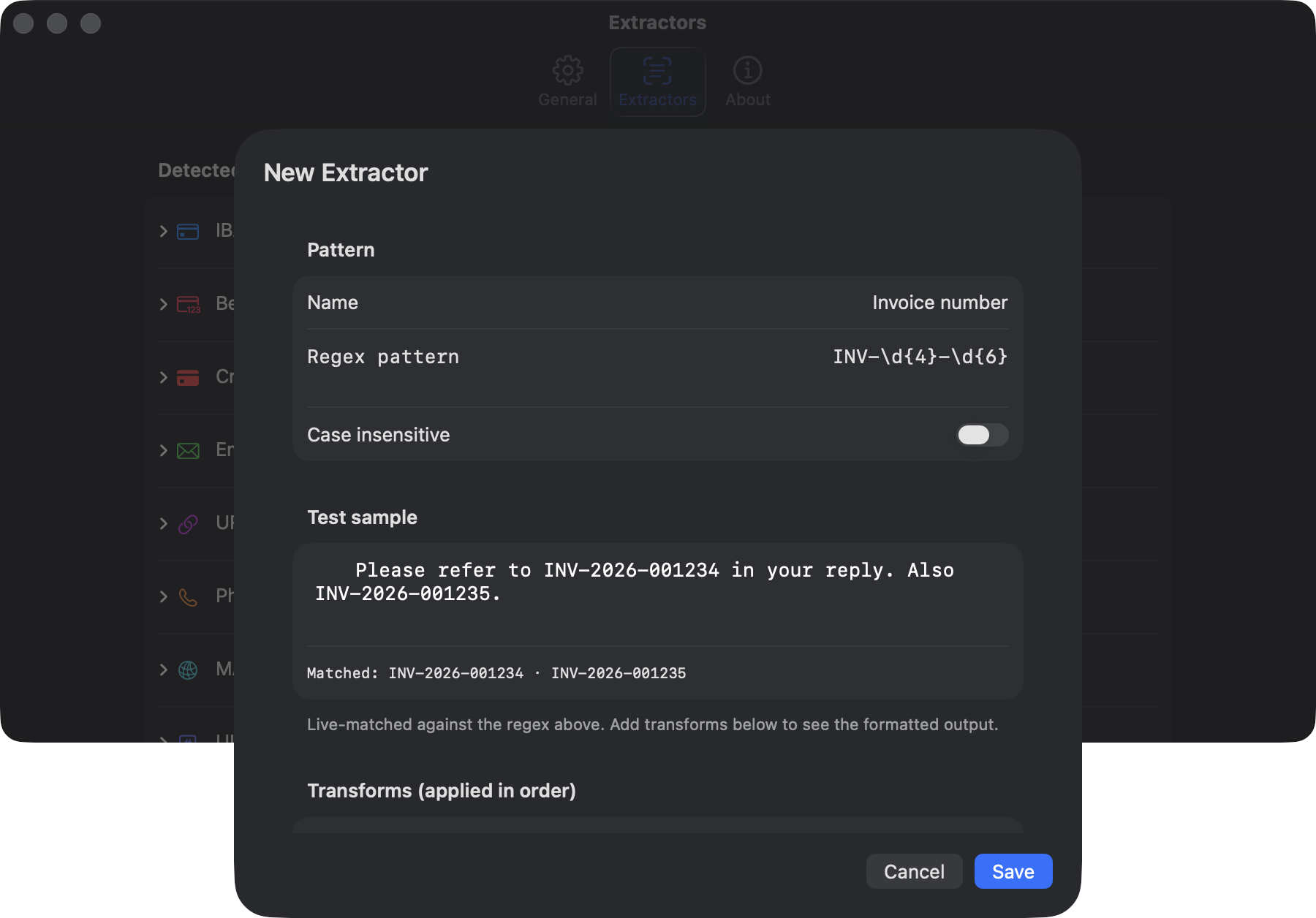
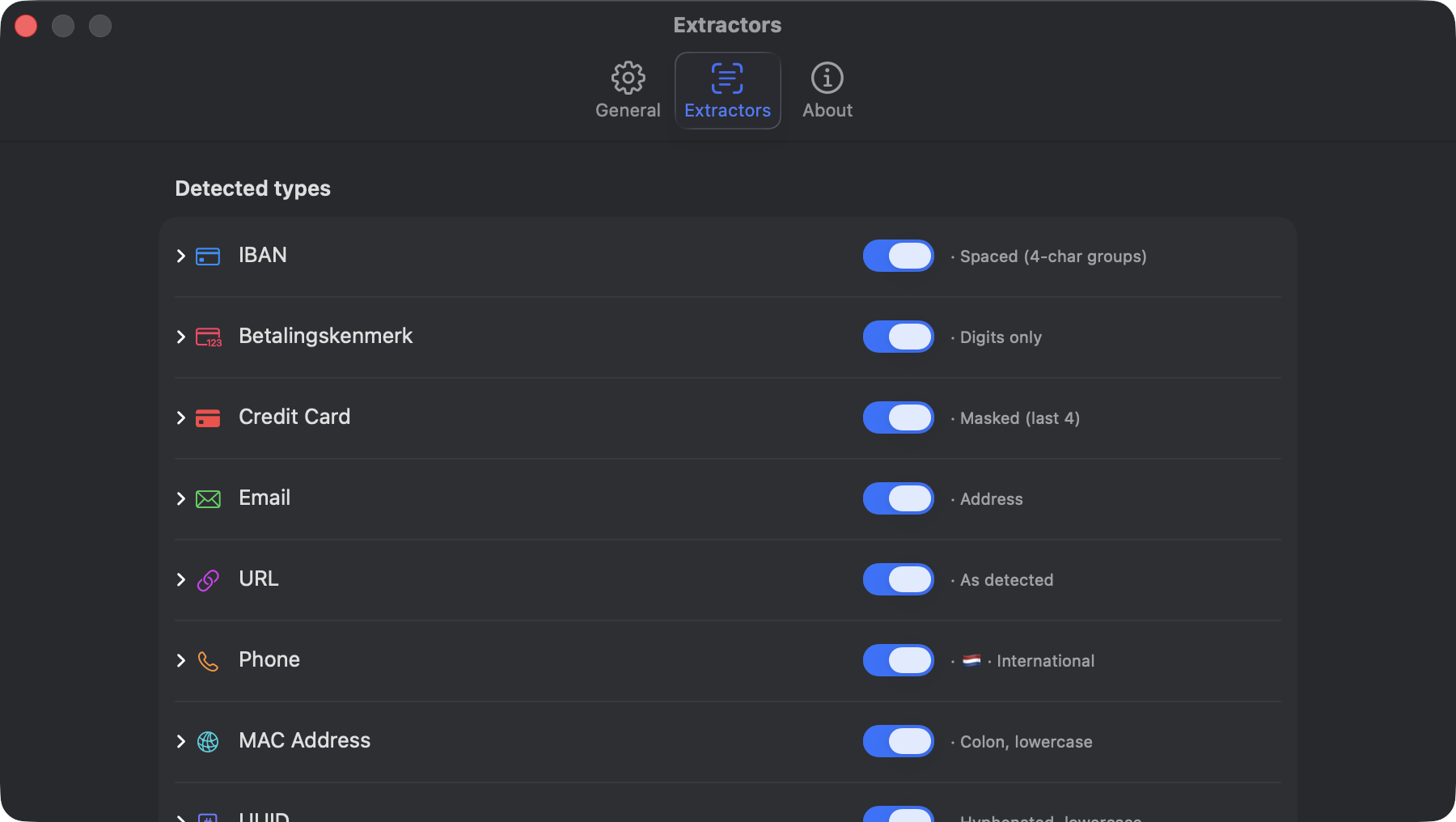
IBAN (with built-in validation), Email, Phone, URL, Credit Card, MAC, UUID, IP — plus unlimited custom ones with regex and transformation rules.
Searchable, local-only, auto-deletes on your schedule.
Launch at login, multi-display, Retina, dark mode, VoiceOver — everything just works.
Apple's on-device Vision framework. No accounts, no telemetry, no cloud — by design and by inspection.
Because PDFs shouldn't get to keep your IBAN.